Pay Your Registration Fee
Pay Online or Mail a Check
NOTE: As of Saturday October 17 we have started a waiting list. Unless instructed otherwise, please DON'T send payment until we send an email saying that we have space for you.
1 - Calculate Amount Due
Please calculate a single amount to cover all registrations & any donations you are paying. Add a small service charge of $5 per person if using PayPal or Venmo.
| Registration Types & Combinations | PayPal or Venmo | Check | Optional |
|---|---|---|---|
| Adult (1) | $230 | $225 | + Add'l Contribution |
| Adults (2) | $460 | $450 | + Add'l Contribution |
| Young Adult | $145 | $140 | + Add'l Contribution |
| Adult + Young Adult | $375 | $365 | + Add'l Contribution |
| Work Trade Adult (net $130 or $125) | $230 * | $225 * | + Add'l Contribution |
| Work Trade Young Adult (net $45 or $40) | $145 * | $140 * | + Add'l Contribution |
| SLO Dancer work exchange | TBD ** | TBD ** | + Add'l Contribution |
* Work Traders will be reimbursed $100 after the event.
** Local San Luis Obispo dancers who registered for a work exchange will be contacted separately about their volunteer work and payment if one is needed.
2 - Pay (choose a method)
Note: if you decide to use a different payment method than what you indicated on the registration form, don't submit a new form. Just send a note to ContraCarnivale@gmail.com to let us know.
- Online payment (PayPal, Venmo or credit card)
- Mail a Check
Instructions for all online payments (PayPal, Venmo, credit cards)
NOTE: The Venmo app is not working at this time, but you can use the Donate button or QR Code to pay using the money in your Venmo account.
Please read through these instructions (includes screenshots) before starting your online payment. You will have the option of paying through your PayPal account, your Venmo account, or via a debit or credit card if you prefer. Your transaction will be seen as a "donation" to the Sierra Music and Arts Institute.
- Enter the total amount you are paying.
Screenshot below: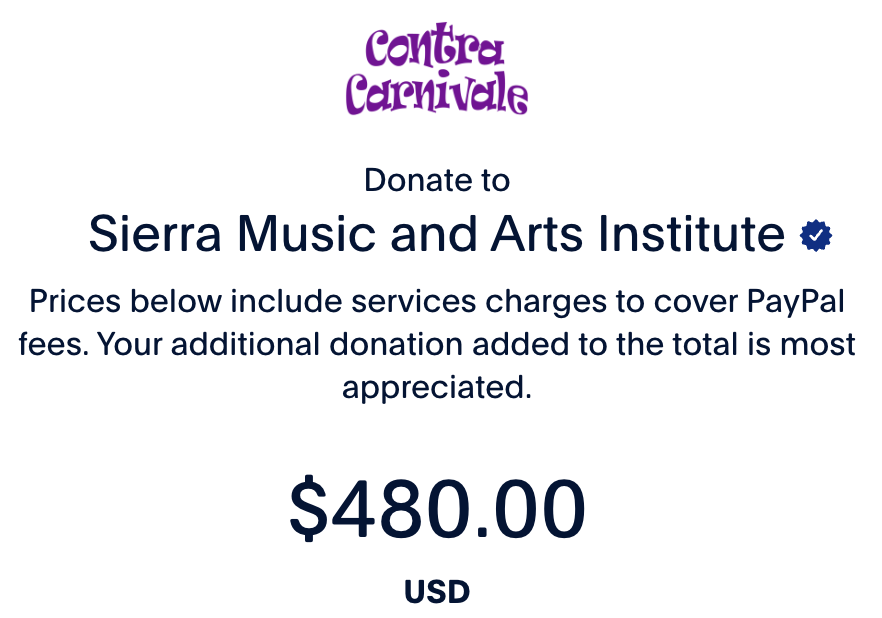
- Select the item that fits best from the drop down on the initial screen.
Screenshot below: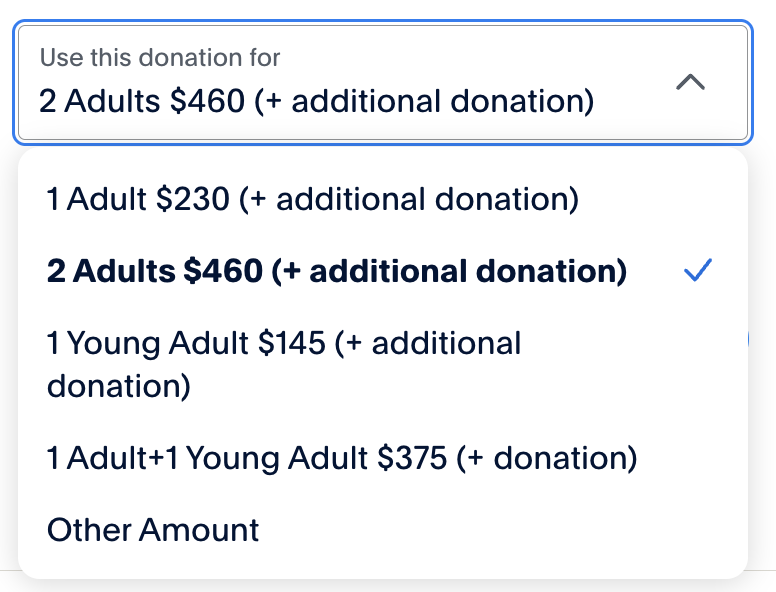
- Choose the button for your payment method (PayPal account, Venmo account, or enter a credit card without using an account).
Screenshot below: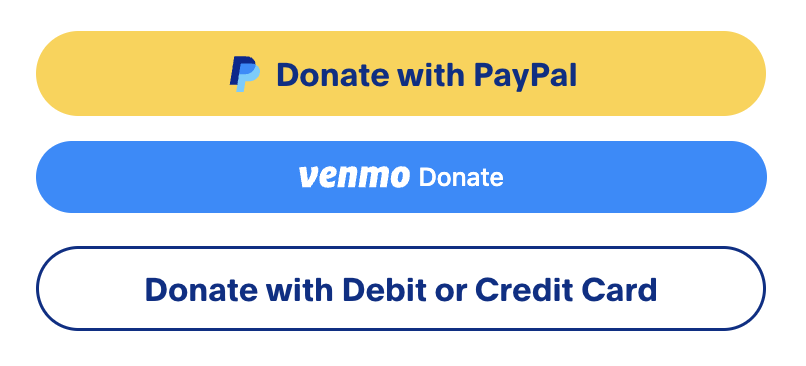
- On the final screen (but not with Venmo), click the field "Enter names, reg type / purpose of pymt" and enter information to help us apply the payment correctly. For example, enter the names of registrants, what the payment is for and the amount of any additional contribution.
Screenshot below: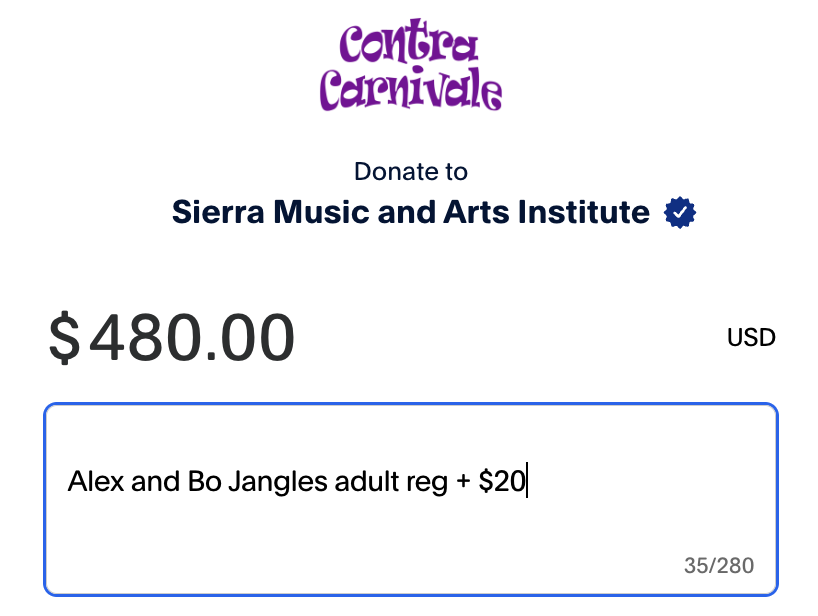
When you are ready, press the Donate button or scan the QR code below to pay online.
Or use this QR Code (for PayPal, Venmo or credit card)

Mail a Check
Make the check out to "Sierra Music and Arts Institute" and include a note with the names of any additional dancers you are paying for. Send to:
Cathy Clary, 813 Bantam Way, Petaluma, CA 94952
Cancellation Policy
You can cancel up to 30 days before the event (December 16) for a full refund minus a $25 administrative fee. You can cancel up to 7 days before the event (January 8) for a refund if we can fill your slot. No refunds after that, except in special circumstances. Registrations are not transferable.
Additional Contributions
Your additional contributions will go towards subsidizing younger dancers to help them attend this event. (See the Special Opportunity for Young Adult Dancers section of the registration page for more details about this program.) You can add this when you pay.